
Task Bar Cube Beginner Guide: 10 Tips to Get Started
Use this Task Bar Cube beginner guide to learn hero upgrades, gear fusion, village resources, Prestige, and Steam chests before planning your next session.
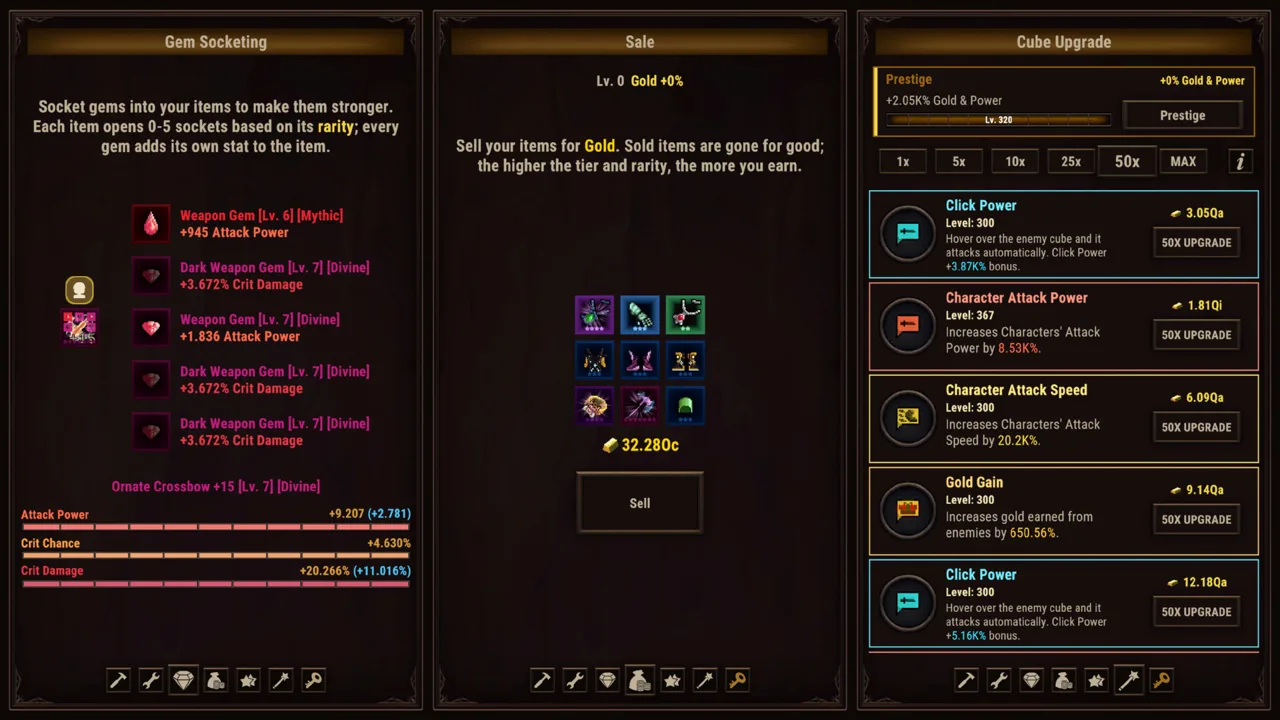
Early Game: Build a Routine You Can Follow
Your heroes can fight while you work, but deciding what to upgrade still takes attention. This Task Bar Cube beginner guide helps you connect combat, equipment, pets, and village resources without getting buried in menus. Use this Task Bar Cube beginner guide to give each check-in a purpose: understand your team, review your gear, and choose an upgrade that addresses your current obstacle.
Task Bar Cube is a free-to-play desktop idle RPG from DarkRook Interactive, released for Windows on October 25, 2026. You can download Task Bar Cube on Steam and play in fullscreen or a small taskbar window.
1. Learn the Systems in Fullscreen
Start in fullscreen while you use this Task Bar Cube beginner guide to familiarize yourself with heroes, equipment, and village activities. Switch to the taskbar format once you recognize the systems you want to revisit.
Automatic combat gives you room to inspect your options without directing every attack. Use that time to read descriptions and connect each upgrade to the part of your team it affects.
Keep your opening goals manageable:
- Identify your heroes and their combat skills.
- Inspect equipment rarity, tier, and displayed stats.
- Review the village’s resource activities.
- Check story objectives and daily quests.
- Learn what Cube upgrades change before spending on them.
This is a suggested learning order, rather than an unlock sequence. Follow the systems available to you and resist the urge to understand every menu at once.
2. Give Every Check-In a Specific Goal
Task Bar Cube includes eight story chapters, daily quests, Steam Achievements, and endless levels. Those give you several ways to measure progress beyond a rising level number.
Pick a concrete objective before browsing upgrades. Work toward a story objective, review a daily quest, or improve a particular piece of equipment. Then watch how your team performs.
Avoid changing several unrelated things simply because you can afford them. Make a focused adjustment and compare the result. That keeps your decisions understandable as more progression systems compete for your attention.
Combat: Understand Heroes Before Chasing Equipment
 Image: Steam / DarkRook Interactive
3. Read Class Skills and Shape Your Team Around Them
Task Bar Cube has five classes, each with its own combat skill. Heroes also have talent trees and hero skills, while pets provide another part of team development.
Read those abilities before committing to a direction. Choose talents with a clear purpose, and check how they relate to the hero’s combat skill. Keep pets in your review instead of concentrating entirely on hero equipment.
The combat priority in this Task Bar Cube beginner guide is to understand what you are improving. A larger collection of upgrades becomes easier to manage when you can explain why each choice belongs on your team.
Use actual combat as feedback. Watch whether a change helps your heroes handle the encounters in front of them, then decide what to examine next.
4. Compare Rarity, Tier, and Stats Separately
Equipment has seven rarities, ranging from Common to Divine, and seven tiers for every item. Rarity and tier are separate parts of gear progression, so inspect both when comparing equipment.
Several systems can change your gear:
| Equipment System | What It Does |
|---|---|
| Fusion | Combines items into new equipment |
| Gem Socketing | Adds gems for additional stats |
| Rarity Upgrade | Improves an item’s rarity |
| Tier Upgrade | Improves an item’s tier |
Compare displayed stats alongside rarity and tier before replacing a piece. Read fusion requirements before using equipment as material, and review gem bonuses before socketing them.
Keep these decisions separate. Choosing an item, raising its tier, improving its rarity, and adding gems are different actions. Decide which action serves your current goal before committing resources.
For example, if you are considering a replacement, compare the two items first. Then inspect the available improvements for the piece you intend to use. That gives every gear decision a reason beyond its color.
Resources: Make the Village Part of Your Routine
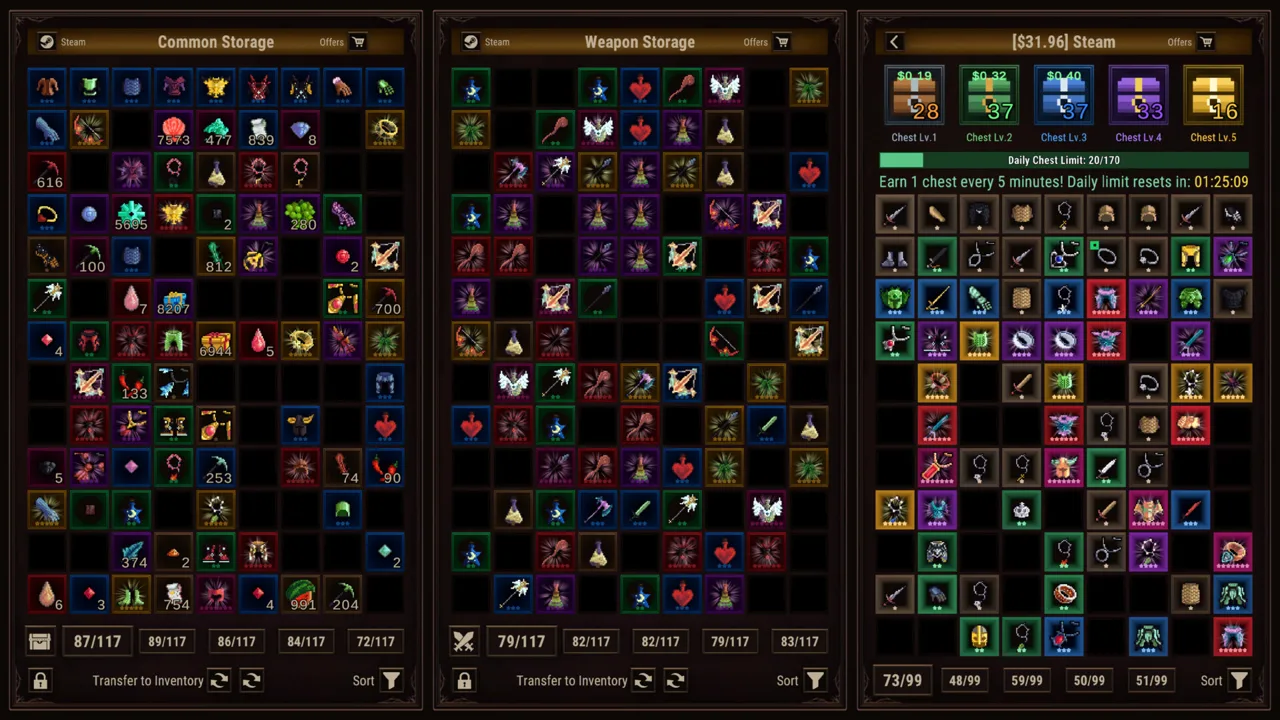 Image: Steam / DarkRook Interactive
5. Connect Gathering Activities to Your Upgrade Goals
Hunting, Farming, and Mining gather resources while you work. The Merchant adds a trading option by exchanging ores for rewards.
Include these activities in your regular review. Before choosing an upgrade, inspect its requirements and see which resources relate to it. Before trading ore, compare the Merchant’s offered reward with your other current uses for that resource.
| Village Feature | Function |
|---|---|
| Hunting | Resource gathering |
| Farming | Resource gathering |
| Mining | Resource gathering |
| Merchant | Exchanges ores for rewards |
| Library | Boosts heroes |
| Animal Shelter | Boosts pets |
Keep the distinctions in this table in mind as your village develops. Gathering supplies resources, trading exchanges them, and the Library and Animal Shelter support your characters.
Build your routine around those connections. Check what an improvement requires, review the relevant activity, and choose your next action with that requirement in mind.
6. Review Hero and Pet Support Together
The Library boosts heroes, and the Animal Shelter boosts pets. Put both on your checklist when reviewing team development.
Use this Task Bar Cube beginner guide as a reminder to look beyond equipment. If you have spent a session comparing gear, review your hero skills, talent choices, pets, and village bonuses before returning to another round of item upgrades.
Give each inspection a specific question:
- Which hero or pet does this improvement affect?
- What bonus does it provide?
- What resources does it require?
- How does it connect to the team you are building?
Read the answers in the game before spending. This keeps village development connected to combat instead of turning it into a separate collection of buttons you press automatically.
Long-Term Progress: Understand Cube Upgrades and Prestige
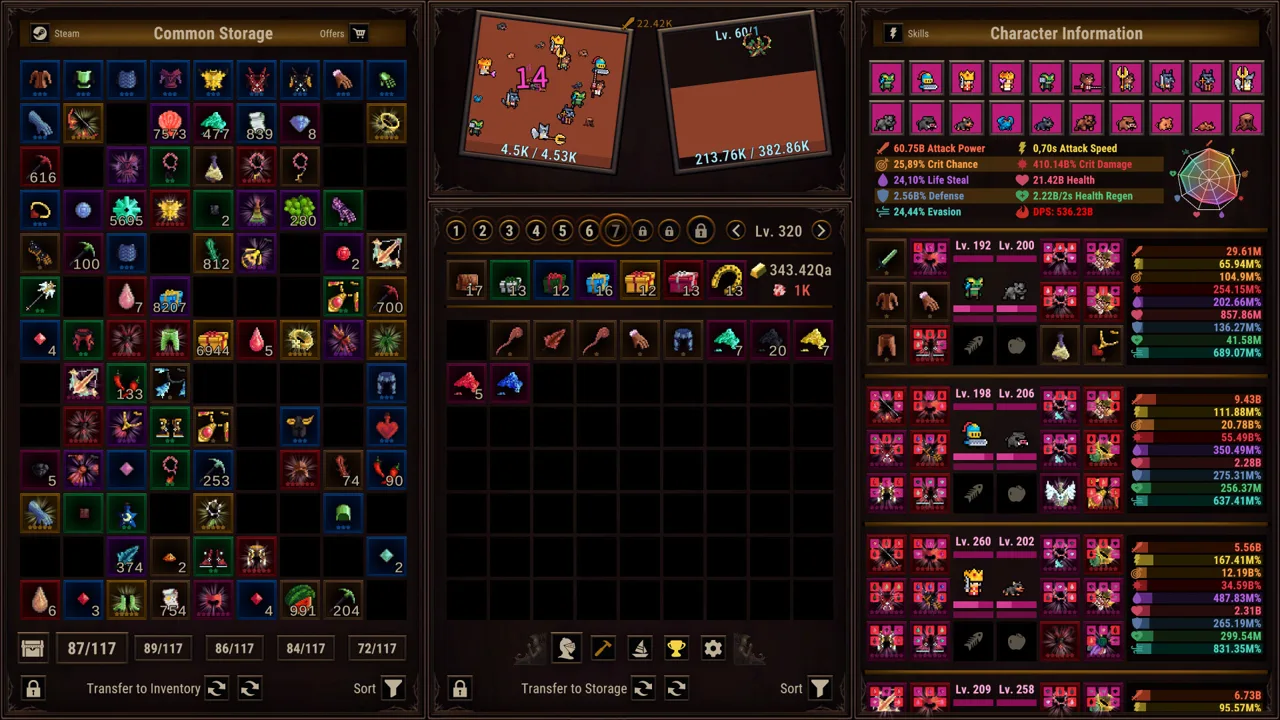 Image: Steam / DarkRook Interactive
7. Give Cube Upgrades Their Own Review
Cube development includes hundreds of upgrades with no cap, alongside Prestige. Character levels are also uncapped.
Keep the long-term priorities in this Task Bar Cube beginner guide straightforward: inspect individual upgrades, understand their effects, and relate them to your current objective. An endless progression system gives you plenty to pursue without requiring you to solve every future decision immediately.
| Progression Feature | Role |
|---|---|
| Cube Upgrade | Hundreds of upgrades with no cap |
| Prestige | An additional progression system |
| Endless Levels | Continued leveling without a cap |
| ACT League | Rival boss battles with bonuses that survive Prestige |
Review Cube upgrades separately from your equipment decisions. Read what each option changes, then choose an improvement with a clear purpose.
Set a reachable objective for the session. That might mean improving your team for a particular encounter or working through a story objective. Let the larger progression systems support that goal.
8. Review ACT League Before Making Prestige Decisions
ACT League involves defeating rival bosses for bonuses that remain after Prestige. That persistence makes it worth including in your long-term planning.
Inspect your ACT League progress and understand the bonuses attached to its challenges. Before using Prestige, read its in-game explanation carefully and distinguish persistent ACT League bonuses from the other parts of your progress.
Keep your decisions deliberate:
- Review the rival boss challenge.
- Inspect the bonus associated with it.
- Compare your team’s current performance.
- Read the Prestige explanation before proceeding.
Avoid choosing a reset solely because progress has slowed. Connect the decision to the benefit you are pursuing and the information the game gives you. Understanding the action matters more than following an arbitrary reset schedule.
Mistakes to Avoid: Chests, Rankings, and Spending
9. Keep Steam Chests Separate From Your Gear Plans
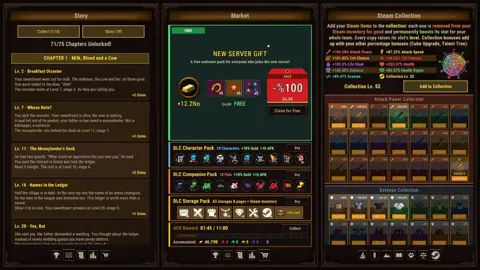
Task Bar Cube includes Steam inventory chests, with a chest awarded every five minutes of play. Items inside can be sold through the Steam Community Market.
The chest level distribution is:
| Steam Chest Level | Drop Rate |
|---|---|
| Lv.1 | 85% |
| Lv.2 | 10% |
| Lv.3 | 3% |
| Lv.4 | 1.5% |
| Lv.5 | 0.5% |
These percentages describe chest levels. Keep them separate from equipment rarity and tier when planning your upgrades.
The chest advice in this Task Bar Cube beginner guide is simple: understand the distribution before setting expectations. Lv.1 accounts for 85% of drops, while Lv.5 accounts for 0.5%. A higher-level chest is a chance outcome rather than a scheduled milestone.
Before selling an item, inspect what it is and decide whether you want to keep it. Keep trading decisions separate from your immediate combat objectives.
10. Measure Your Progress Before Chasing Rankings
Task Bar Cube has a weekly Online Ranking. Use your own story progress, equipment, village development, and ACT League goals to judge what to do next.
Choose a personal target before opening the ranking. Review a daily quest, improve an item, or examine a rival boss challenge. Those objectives give your next session a clear direction.
Apply the same discipline to purchases. Read the exact benefits of an offer and connect them to a feature you understand before buying. Give yourself time to learn the game’s systems and decide which parts you enjoy managing.
Finish each session with a short review of your heroes, pets, gear, resources, and current objective. Then leave yourself one clear task for your next check-in.
FAQ
What Should I Focus on in a Task Bar Cube Beginner Guide?
Start with automatic combat, hero skills, equipment rarity and tier, and village resources. Then work through Cube upgrades, ACT League, and Prestige as you learn their roles. Use story objectives and daily quests to give your sessions direction.
Is Task Bar Cube Free to Play?
Yes. Task Bar Cube is free to play on Steam for Windows. It supports fullscreen play and a small taskbar window, with heroes fighting automatically while you attend to other things.
How Does Equipment Progression Work?
Equipment has seven rarities, from Common to Divine, and seven tiers for every item. Fusion creates new gear, gem socketing adds stats, and separate upgrade systems improve rarity and tier.
Which Bonuses Remain After Prestige?
ACT League bonuses remain after Prestige. Review those bonuses alongside the in-game Prestige explanation before making a reset decision.
Continue exploring
Task Bar Cube Heroes: Classes, Gear, and Upgrade Guide
Build your Task Bar Cube heroes with five classes, combat skills, pets, and gear upgrades. Learn how talents, village boosts, and Prestige shape your team.
Task Bar Cube Pets Guide: Upgrades and Team Planning
Explore Task Bar Cube pets, Animal Shelter upgrades, and team planning. Learn how pets fit alongside gear, village resources, and long-term progression.
Join the community
Official channels for news, updates and player help: