
Task Bar Cube Pets Guide: Upgrades and Team Planning
Explore Task Bar Cube pets, Animal Shelter upgrades, and team planning. Learn how pets fit alongside gear, village resources, and long-term progression.
Jump to
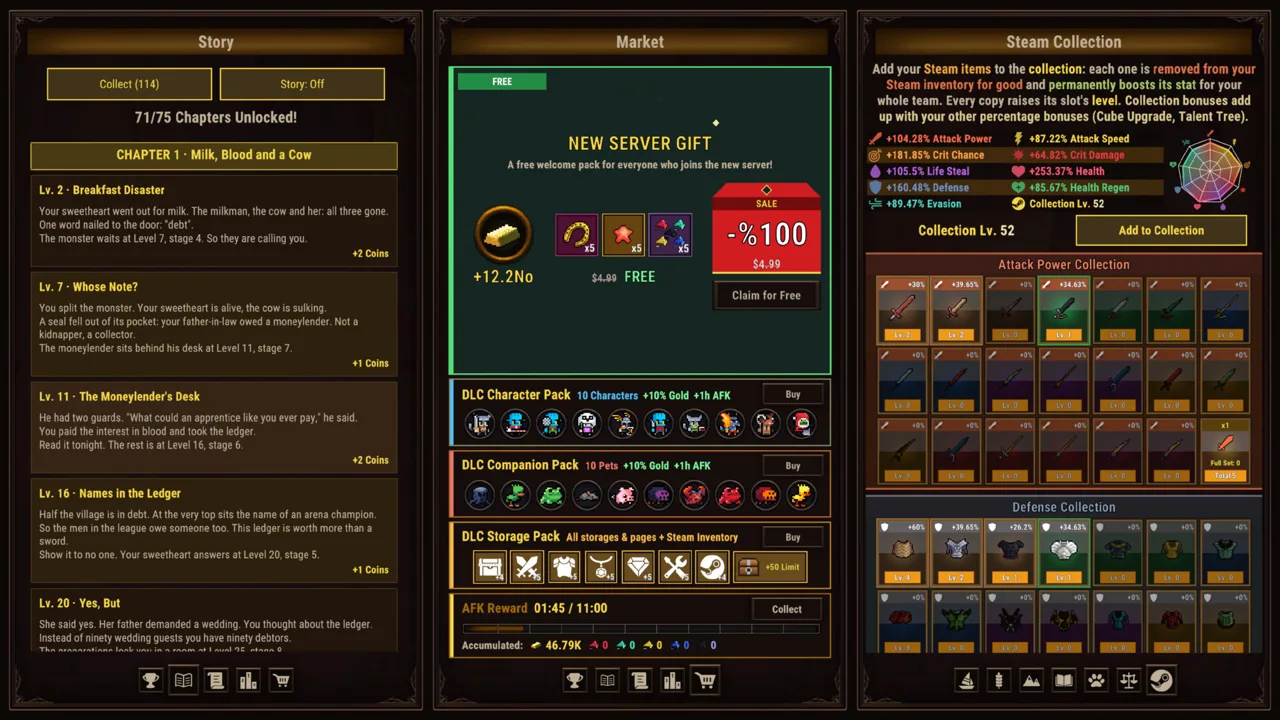
How Task Bar Cube Pets Fit Into Your Team
Task Bar Cube pets give you another part of your team to develop while your heroes handle automatic battles. Their upgrades matter because team building extends across companions, hero customization, equipment, and village development. Start with Task Bar Cube pets by reviewing their upgrades and the Animal Shelter, the village feature connected to boosting them.
Task Bar Cube is a free-to-play desktop idle RPG from DarkRook Interactive. You can keep it running along your Windows taskbar or switch to fullscreen when you want to spend time managing your team. Heroes fight automatically, leaving you to work on the systems surrounding those battles.
Pets belong in that management loop. The game lets you upgrade both characters and pets, while its village includes facilities that strengthen your team. Keep pet development on your checklist alongside hero skills and equipment improvements.
| Team component | What it adds to progression |
|---|---|
| Heroes | Automatic combat and a choice of five classes |
| Pets | Companions you can upgrade as part of your team |
| Animal Shelter | A village feature that boosts pets |
| Library | A village feature that boosts heroes |
| Equipment | Collectible gear with rarity and tier progression |
Think about your team as several connected decisions. Your hero class determines a combat skill, talents shape individual heroes, and pets add another upgrade system to manage. Give each of those decisions attention when you return to the game.
For Task Bar Cube pets, keep your immediate goal straightforward: develop your companions while continuing to improve the heroes fighting beside them.
Use the Animal Shelter Alongside Village Development
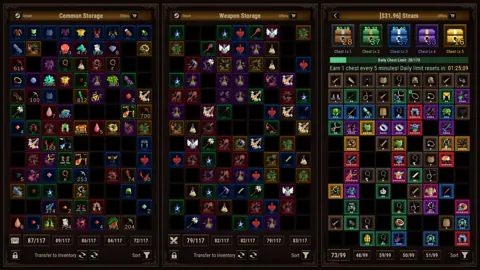
The Animal Shelter gives pet development a place within your village. Include it whenever you review village improvements, especially if you have spent your recent sessions concentrating on equipment or hero customization.
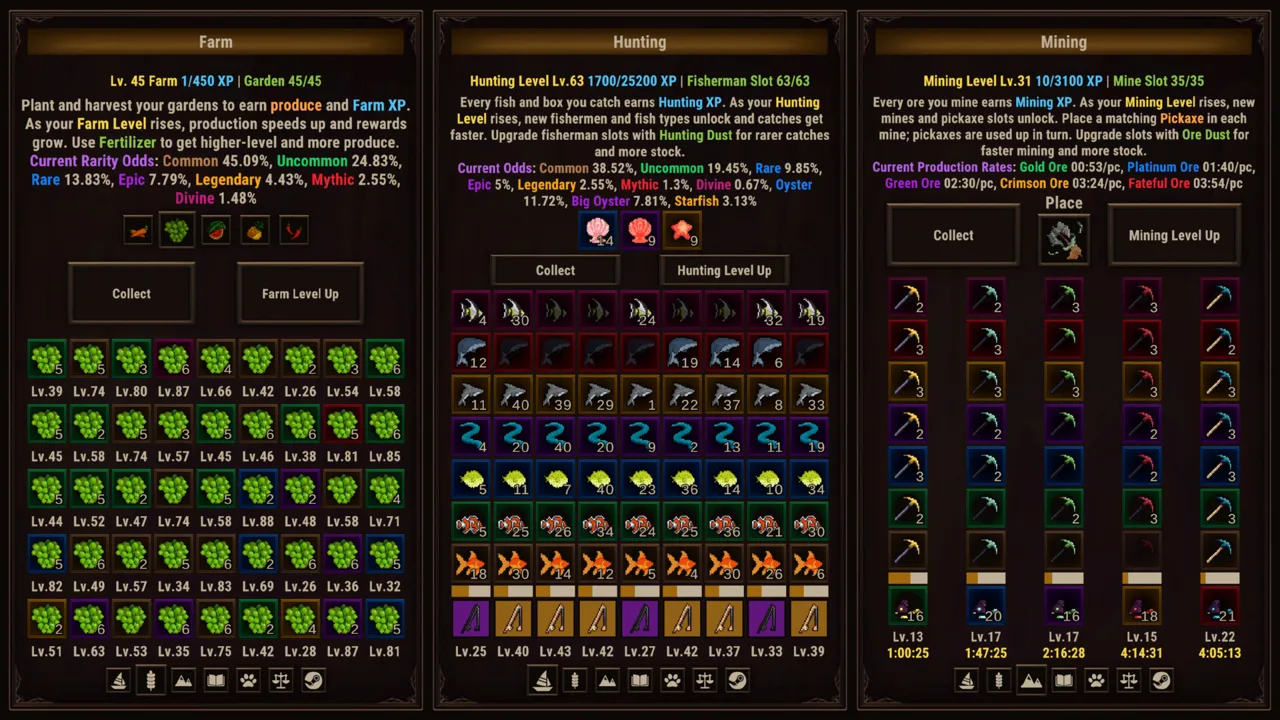 Image: Steam / DarkRook Interactive
Village management also includes the Library, resource gathering, and the Merchant. Hunting, Farming, and Mining let you gather resources while you work, while the Merchant exchanges ores for rewards. These activities give you other progression systems to check between visits to your team.
| Village feature | Its function |
|---|---|
| Animal Shelter | Boosts pets |
| Library | Boosts heroes |
| Hunting | Gathers resources |
| Farming | Gathers resources |
| Mining | Gathers resources |
| Merchant | Trades ores for rewards |
Keep those functions clear when deciding what to inspect. Visit the Animal Shelter for pet boosts, the Library for hero boosts, and the Merchant when you want to trade ores. A focused visit is easier to manage than clicking through every menu without a goal.
Make Task Bar Cube pets part of the same village review as your heroes. After looking at the Animal Shelter, check the Library and then return to your team. This keeps both sides of character development in view.
Resource gathering also fits the desktop format. Since Hunting, Farming, and Mining can run while you work, include them in your background-play routine. Review their results during a management break, then decide which part of your village or team you want to examine next.
Keep your attention on the function of each system. Pet boosts, hero boosts, gathering, and ore trading each give you a distinct task to revisit.
Plan Pet Development Around Your Hero Team
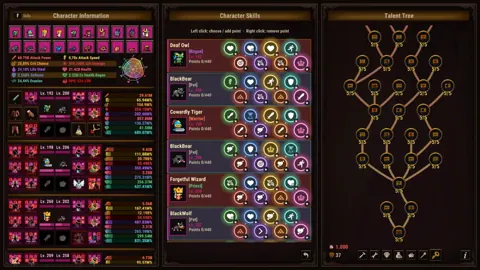
Your heroes have five classes to choose from, each with its own combat skill. Talent trees and hero skills provide further customization, giving you several ways to shape the characters handling automatic battles.
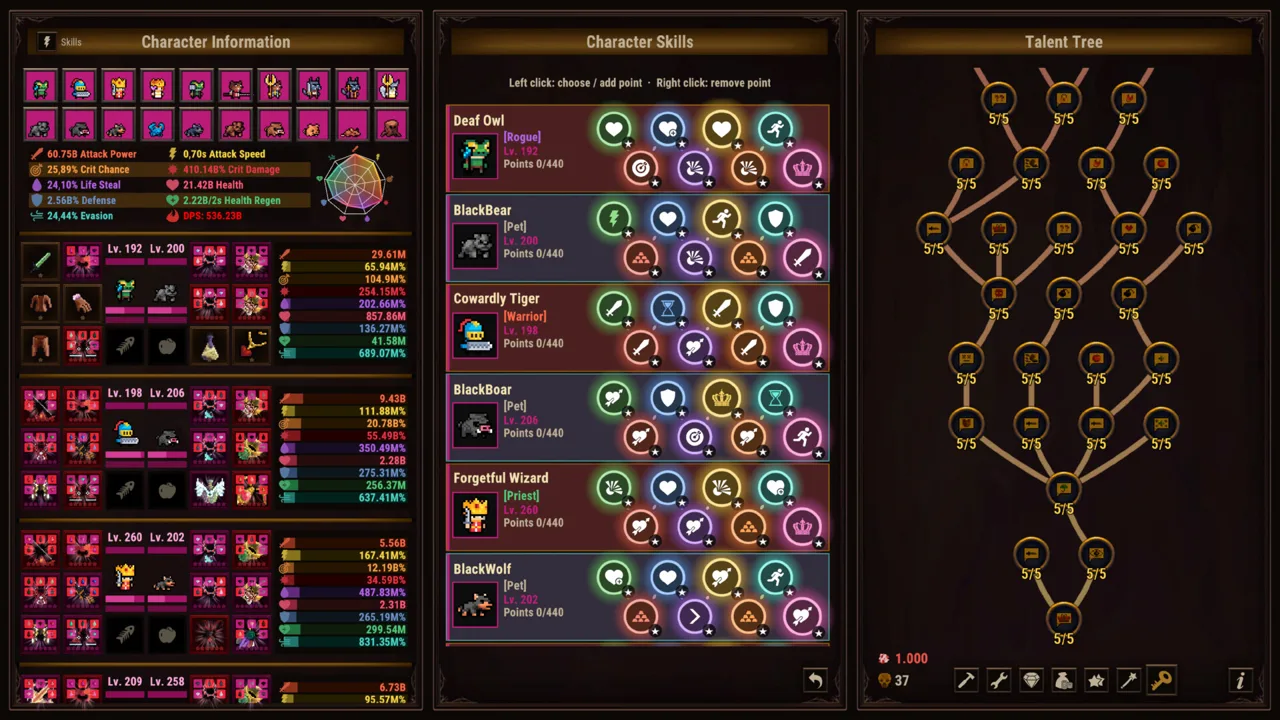 Image: Steam / DarkRook Interactive
Start by reviewing those class skills. Decide what you want from your hero team, then use the talent and skill systems to develop that plan. Include pet upgrades in the same review so your companions stay part of your overall team-building decisions.
| Customization system | What you can develop |
|---|---|
| Hero classes | Choose among five classes with distinct combat skills |
| Talent Tree | Shape individual heroes |
| Hero Skills | Further customize your heroes |
| Pet upgrades | Develop your companions |
| Library and Animal Shelter | Boost heroes and pets through village features |
Keep the distinction between these systems in mind. Class skills, talents, and hero skills belong to hero customization. Pet upgrades and the Animal Shelter give you companion development to work on alongside them.
For Task Bar Cube pets, use this practical planning sequence:
- Review your heroes. Read their class skills and consider the team you want to build.
- Check hero customization. Revisit talents and hero skills as part of that plan.
- Review your pets. Look over the companion upgrades available to you.
- Visit the Animal Shelter. Include its pet boosts in your village review.
- Return to combat. Watch your team fight before choosing your next management task.
Treat that sequence as an organizational checklist. It helps you cover the systems involved without assigning every improvement to the same character screen.
Automatic combat makes this kind of planning central to the experience. Your heroes handle the fighting; your decisions cover how to develop them, their pets, and the equipment supporting the team.
Keep your attention on the choices you can make within your own roster. Build around the class skills you want to use, then keep companions and village improvements in that plan.
Keep Equipment Progression in the Picture
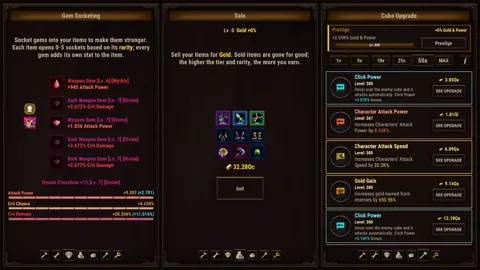
Pets sit alongside a substantial equipment system. Task Bar Cube has seven equipment rarities, ranging from Common to Divine, and seven tiers for every item. Gear development also includes Fusion, Gem Socketing, and separate rarity and tier upgrades.
 Image: Steam / DarkRook Interactive
Include equipment whenever you review Task Bar Cube pets. A companion upgrade is one part of team development, while equipment gives you another set of improvements to consider.
| Equipment feature | What it does |
|---|---|
| Seven rarities | Provides rarity progression from Common to Divine |
| Seven tiers per item | Adds tier progression to equipment |
| Fusion | Combines items into new gear |
| Gem Socketing | Adds gems for extra stats |
| Rarity Upgrade | Improves equipment rarity |
| Tier Upgrade | Improves equipment tier |
Inspect the item you are working on before choosing an action. Review its rarity and tier, then consider the available equipment systems. Fusion creates new gear, socketing adds gem stats, and rarity and tier upgrades develop those respective properties.
Keep those actions separate in your planning. If you want extra stats from gems, inspect socketing. If you are working on equipment rarity or tier, review the corresponding upgrade option.
Use the same deliberate approach with companions. Finish reviewing a pet upgrade, then move to a specific equipment task. Giving each visit a purpose makes the game's many progression menus easier to navigate.
The wider team-building loop includes hero customization, companion development, village boosts, and gear. Cycle through those areas when managing your roster, and give each one a clear place in your routine.
For example, make one visit about pets and the Animal Shelter. Use another to inspect a hero's talents and equipment. This divides management into manageable tasks while keeping the full team in view.
Build a Practical Routine for Long-Term Progress
Task Bar Cube pets are part of a game built around extended progression. Levels have no cap, Cube upgrades are uncapped, and Prestige adds another system to consider. The ACT League also offers boss bonuses that remain after Prestige.
Keep those systems distinct when planning your next session. Pet upgrades develop companions, Cube upgrades develop the Cube, and ACT League battles provide their own bonuses. Give each system attention for the function it actually serves.
Use the following routine to organize your play.
1. Choose your display mode for the task
Keep the game along your taskbar while working or browsing. Switch to fullscreen when you want to inspect your team, compare equipment, or spend time in village menus.
Both formats support the same desktop idle RPG experience. Choose the view that makes your current task comfortable.
2. Review pets and the Animal Shelter together
Check Task Bar Cube pets during the same visit as the Animal Shelter. This puts companion upgrades and the village's pet-boosting feature into one focused review.
Then look at your heroes and the Library. Keeping those checks adjacent helps you remember both parts of team development.
3. Give equipment a separate pass
Review Fusion, gems, rarity, and tiers together. Work through the item properties you want to develop, then return to your team.
Use the equipment table above as a reminder of what each system does. Keep your next action specific: inspect a socket, review a tier, or look at Fusion.
4. Revisit the wider progression systems
Include Cube upgrades and the ACT League in your longer management sessions. When planning around Prestige, remember that ACT League boss bonuses persist through it.
Task Bar Cube also includes an eight-chapter story, daily quests, and Steam Achievements. Use those objectives to give your session direction when you want a goal beyond reviewing upgrades.
5. End with a clear next task
Choose what you want to inspect on your next visit: companions, hero skills, equipment, gathering, or village boosts. Keep that task narrow enough to complete during the kind of break you have available.
For Task Bar Cube pets, consistency means remembering to revisit companion development as you explore the game's other systems. Keep pets on your regular checklist, use the Animal Shelter, and continue shaping the heroes who carry out automatic combat.
You can download Task Bar Cube on Steam to start building your desktop team.
FAQ
What do Task Bar Cube pets do?
Pets are part of your team and can be upgraded. The Animal Shelter also provides pet boosts, making companion development part of both team management and village progression.
How do you improve pets in Task Bar Cube?
Use pet upgrades and include the Animal Shelter in your village reviews. Check those systems alongside hero development so companions remain part of your regular management routine.
How many classes does Task Bar Cube have?
Task Bar Cube has five classes, each with its own combat skill. Talent trees and hero skills provide additional ways to customize your heroes. Review those options when deciding how to shape your team.
Can you manage your team while playing on the taskbar?
Task Bar Cube supports taskbar play and fullscreen play on Windows. Keep it along your taskbar for background sessions, then switch to fullscreen whenever you prefer a larger view for reviewing pets, heroes, equipment, and village features.
Continue with
 Task Bar Cube Skills Guide: Heroes, Talents, and GearExplore Task Bar Cube skills, five character classes, talent trees, pets, and gear upgrades. Plan your development and tackle long-term idle progression.
More in Heroes & Pets
Task Bar Cube Classes: Skills, Gear, and Team Builds
Explore Task Bar Cube classes, combat skills, talent trees, pets, and gear upgrades. Shape your hero builds and strengthen your team for idle battles.
Task Bar Cube Heroes: Classes, Gear, and Upgrade Guide
Build your Task Bar Cube heroes with five classes, combat skills, pets, and gear upgrades. Learn how talents, village boosts, and Prestige shape your team.
Task Bar Cube Talent Trees: Hero Progression Guide
Explore Task Bar Cube talent trees, hero skills, pets, and gear upgrades. Plan your team around five classes and tackle endless progression on your PC.
Continue exploring
Join the community
Official channels for news, updates and player help: